OptimaERP
Open-source ERPNext under a new name, set up so a business can try it as each of its own staff.
The problem
A business choosing an ERP wants to see its own day in it, not a feature list. A fresh ERPNext install opens as one administrator over empty screens, so a demo turns into a tour of settings, and nothing in it matches a local business: invoices print the wrong currency symbol with no VAT, and there is no way to record M-Pesa.
Constraints
Credit the original. ERPNext is open source under the GPL, so its licence, credits and links stay where they were; only the name changes.
A demo login gets handed to a prospect mid-meeting, so no role can be able to delete or break what the next person will see.
Configuration before code: a hosted client site will not run custom server scripts, so everything shown has to work without them.
It has to keep up with ERPNext, so the rename must be repeatable, not a one-off.
Approach
A rename, all the way through
The app, its Python package, its JavaScript namespace and its asset paths became OptimaERP, and Frappe HR was rewired to depend on it. The rename runs from a script, so when ERPNext moves on it is run again rather than redone by hand.
A login for every job
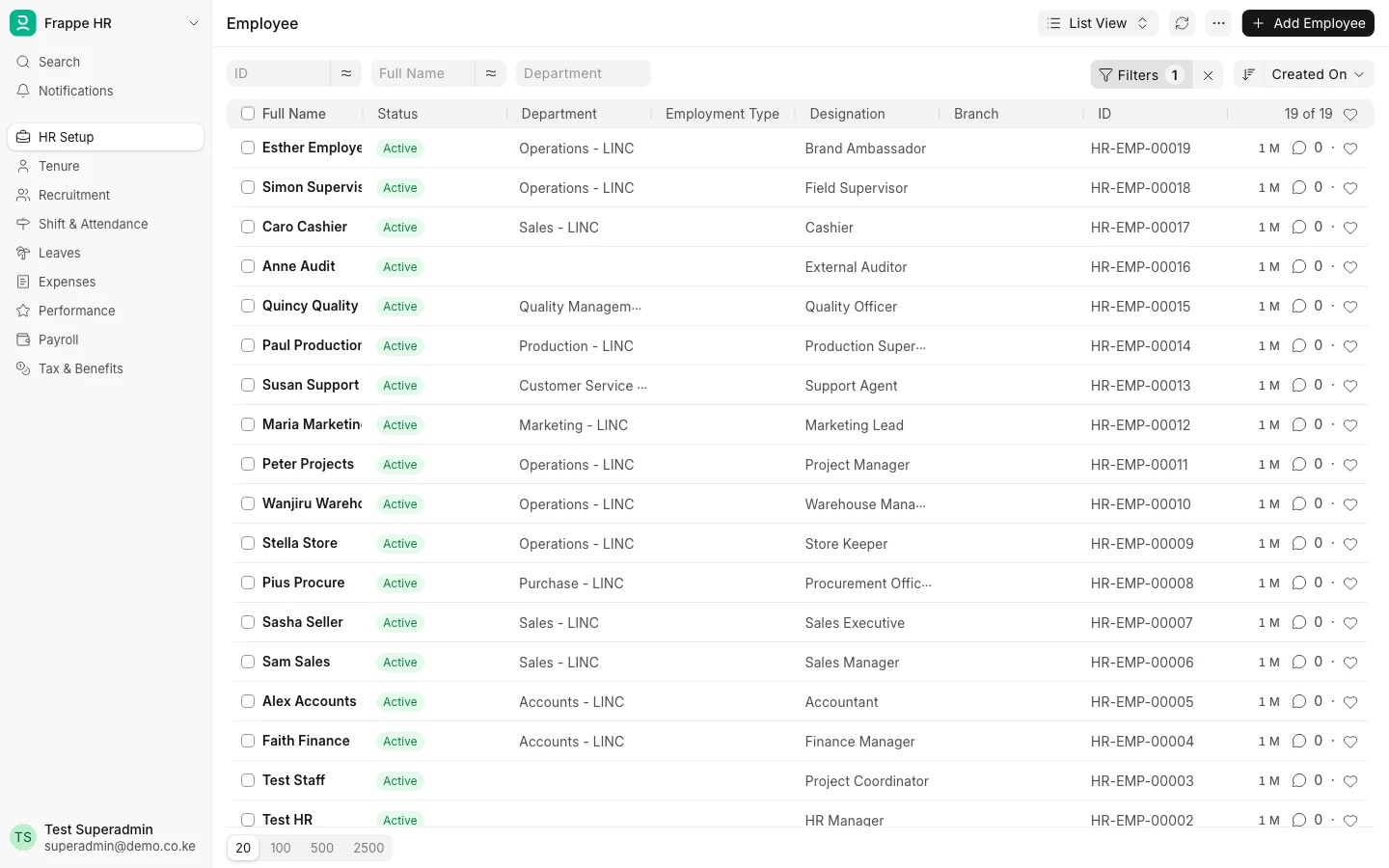
Twenty-two demo logins built from role profiles rather than hand-ticked boxes: an accountant who books but cannot approve, a storekeeper, a cashier fenced to their own sales, a supervisor who approves their team’s leave. The customer portal sees only its own invoices and the self-service login only its own payslip and leave — checked over the API, not assumed.
Nothing a demo user can break
The CEO role was written from scratch: read, report and export on 28 document types and write on none, so there is no Save button to press. Delete rights came off projects, tasks, the company and the HR records a demo depends on, sixteen in all, so any login can be handed over in a live meeting.
Invoices that match the local market
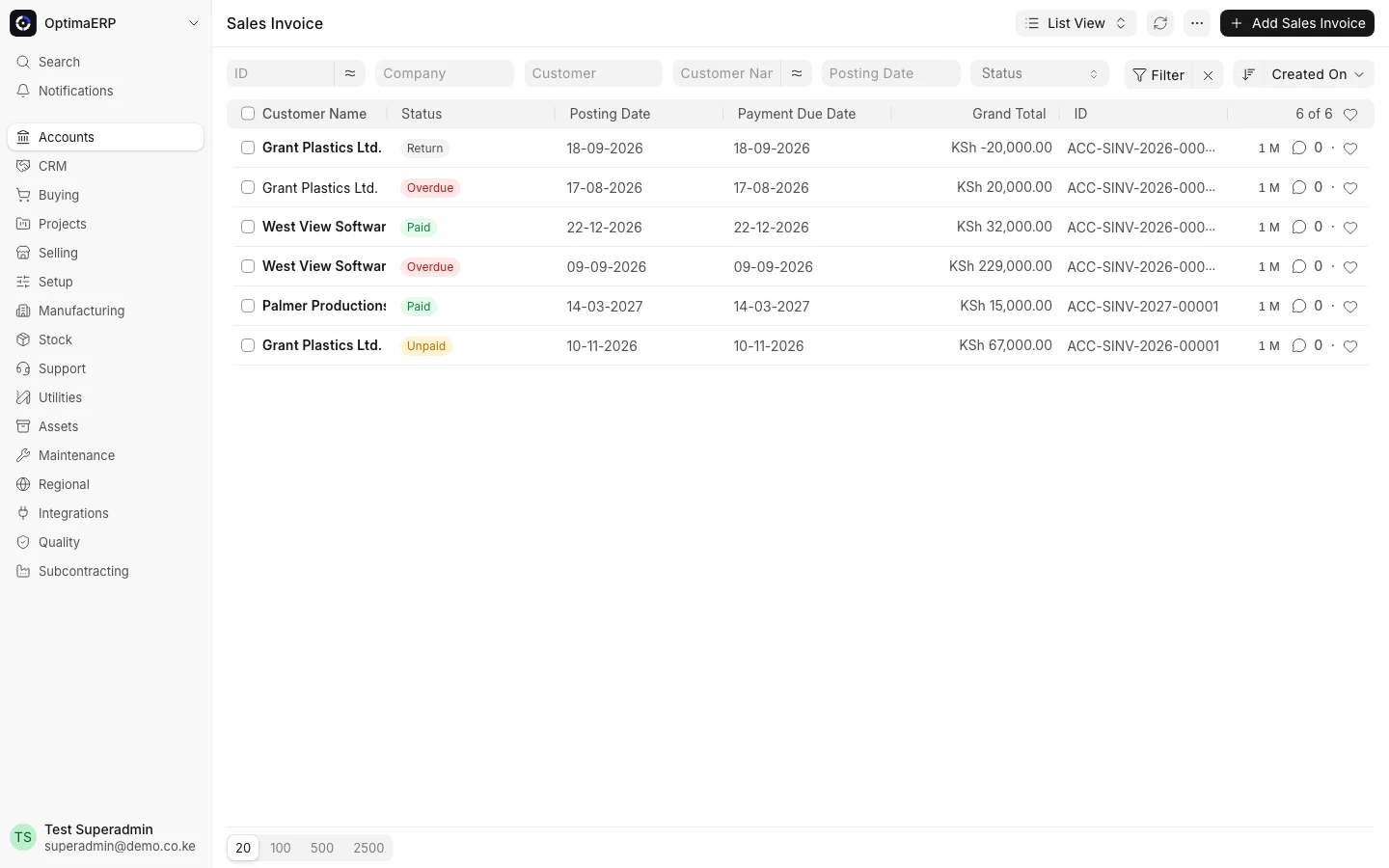
KSh instead of Sh, a letter head on every document, the 16% VAT template switched on by default, and M-Pesa added as a way to pay. Printing was broken outright on the install, so PDFs now render through a bundled Chromium in a few seconds each.
Architecture
Outcome
OptimaERP runs as a local demo built to be shown to prospects: accounting, stock, selling, HR and payroll, each from the login of the person who would use it, with invoices that print correctly. It is not hosted publicly yet, so there is no link to try.